
Apple prepares iOS 26.1 Rollout with key refinements and AI enhancements


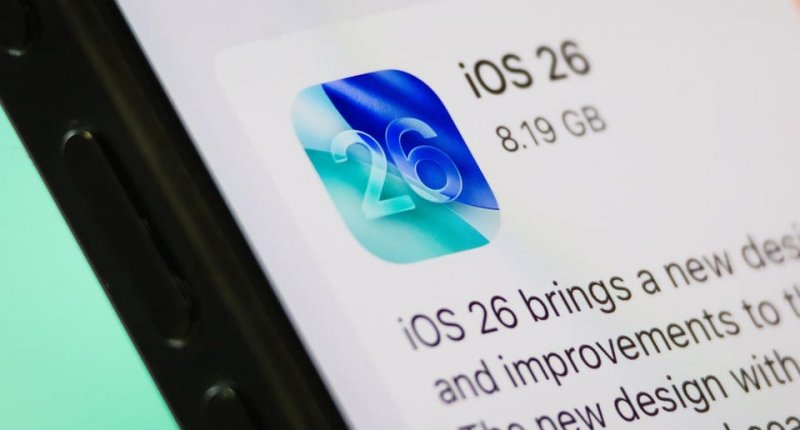
Apple is gearing up to release iOS 26.1, the first major update to its flagship mobile software since the debut of iOS 26 on September 15, 2025.
The upcoming version goes beyond bug fixes, introducing performance improvements, refined design elements, and usability upgrades based on user feedback, News.Az reports, citing foreign media.
iOS 26 marked a major leap with its new ‘Liquid Glass’ interface, expanded Apple Intelligence features, and support for iPhones dating back to the iPhone 11. Now, iOS 26.1 aims to fine-tune that foundation.
Developer betas have been available since September, with the final public release expected in late October or early November, according to reports from 9to5Mac and MacRumors. With the rollout imminent, Apple users can look forward to smoother performance and smarter integrations across the ecosystem.
In other words: while many features are already testable in beta, the broad rollout is imminent.
Key features and improvements
While iOS 26 introduced sweeping changes, the 26.1 update focuses on refinement, usability tweaks, and addressing user feedback:
-
Music controls: In iOS 26.1, the Apple Music mini-player now supports a swipe left/right gesture to skip songs.
-
UI customization: Beta reports show a toggle for the Liquid Glass design—users can choose between 'Clear' high-transparency mode or a more readable 'Tinted' mode under Settings → Display & Brightness.
-
Security enhancements: A new “Background Security Improvements” toggle automatically installs critical patches without user intervention.
-
Translation and language expansion: iOS 26.1 adds support for new languages in Live Translation for AirPods and Apple Intelligence, broadening accessibility.
-
UI tweaks: The Phone app keypad gets the Liquid Glass aesthetic; the Photos app introduces a redesign of the video scrubber; the Calendar app list view shows full-width color highlights for events.
For many iPhone users the jump from iOS 26 to 26.1 will feel subtle—but that’s the point. Apple is shifting from big visible changes toward polishing the experience, improving readability, enhancing security, and listening to feedback on the new UI style.
As one recent story noted, the alarm redesign (requiring a slide instead of tap to stop) and other 'helpful but maybe annoying' tweaks show Apple’s focus on durability over novelty.
What you should do
If you’re running a compatible iPhone and you’re expecting to install 26.1:
-
Back up your device before installing (always good practice).
-
Keep an eye on Settings → General → Software Update around late October or early November.
-
After installing, check out the new settings for Liquid Glass and the music player gestures.
-
If you use AirPods or rely heavily on translations and languages, you’ll likely see immediate benefit.
iOS 26.1 may not bring headline-grabbing new apps or major new paradigms—but it is important. It refines the massive change brought by iOS 26, adds practical improvements that many users asked for, and lays the groundwork for next-generation updates. For iPhone users looking for a smoother, smarter, and more refined experience, this update is worth preparing for.


Similar news